

Space settings
Rename a space, choose how tasks start, connect a remote tool, and archive or clear a space.
Settings is the last page in a space's sidebar. Only managers see it; anyone else who opens the address sees "Only managers change settings".
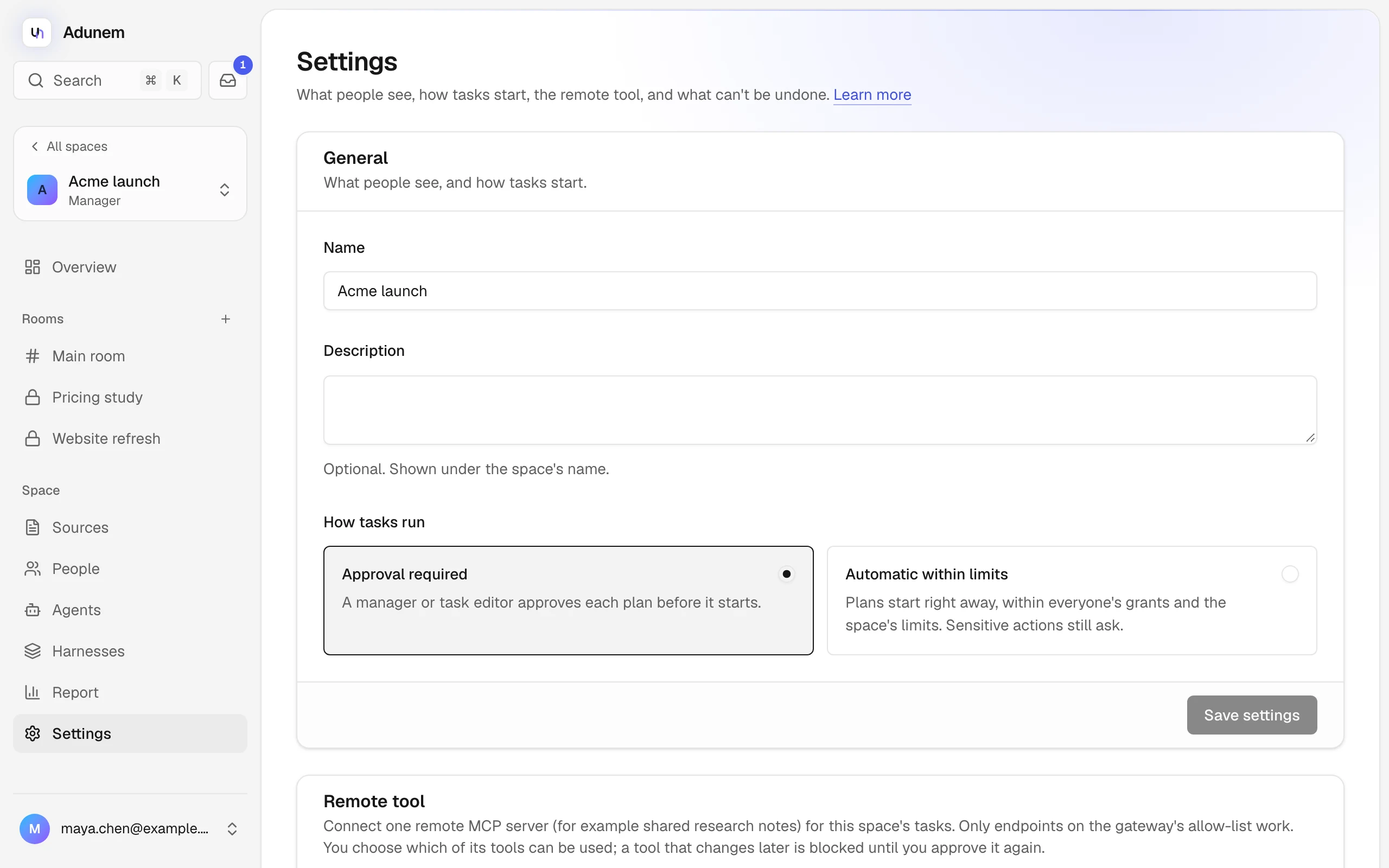
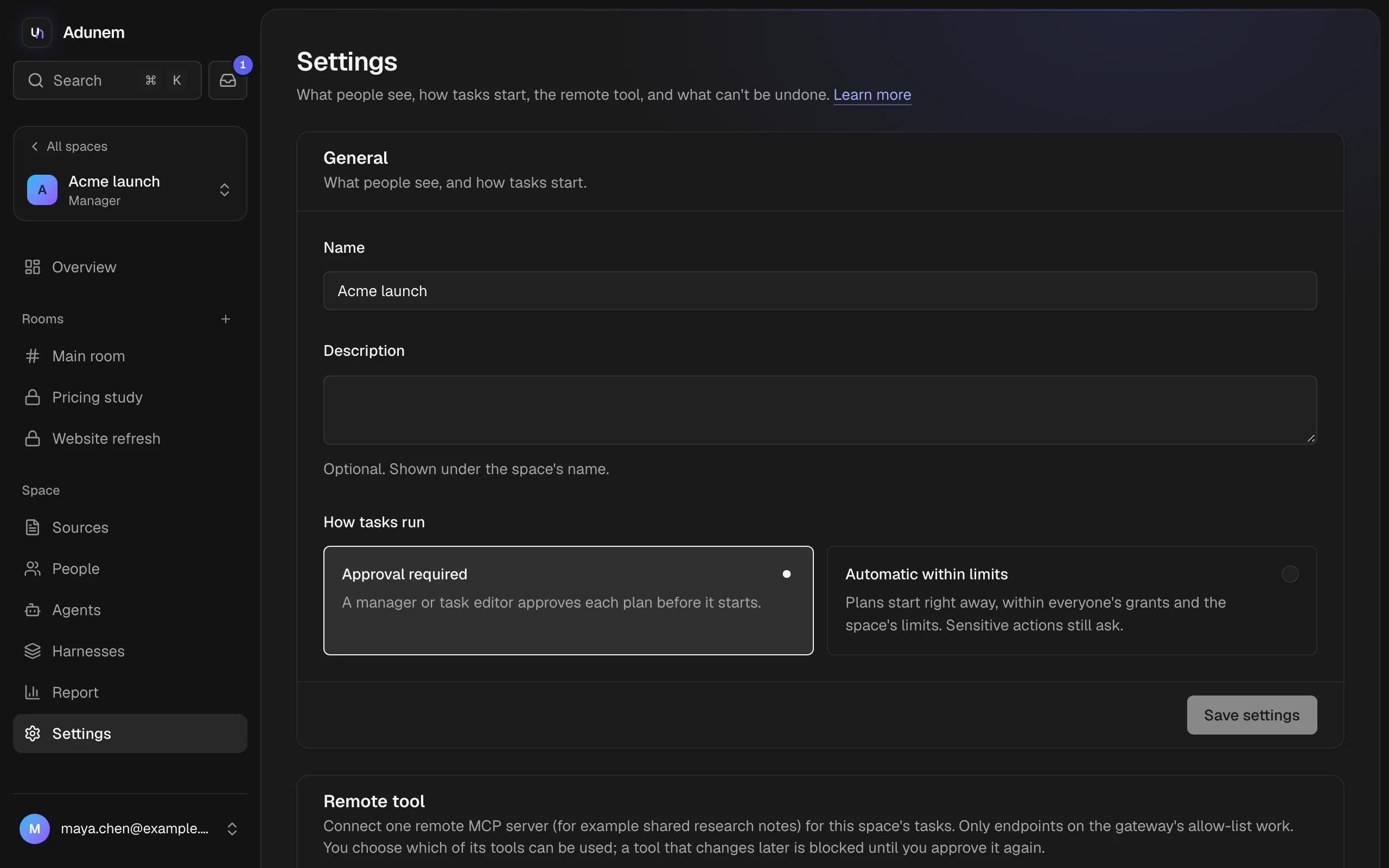
General
Change the Name and Description, which is shown under the name, then choose Save settings.
Under How tasks run, choose how plans start:
- Approval required. A manager or task editor approves each plan before it starts. A plan from a task editor or manager starts right away.
- Automatic within limits. Plans start right away, within everyone's grants and the space's limits. Sensitive actions still ask.
See Tasks.
Remote tool
A space can connect one remote tool: an MCP server, such as shared research notes, whose tools tasks can use and whose notes can be shared as sources.
Connect it
Enter a Name, the MCP endpoint URL, and an optional Access token (stored encrypted and never shown again), then choose Connect. Only endpoints on the gateway's allow-list work, and a hosted deployment needs https.
Choose its tools
Nothing is usable yet. Under Tools this space may use, switch on the tools you approve. For any of them you can switch on Approve each call, so a task editor or manager approves every call before it runs. Choose Approve selected tools.
The approved tools' definitions are pinned. If the server changes a tool later, that tool is blocked until you approve it again. Revoke stops its tools and notes at once. A space can have one remote tool at a time, so revoke it before connecting another. Its notes are added from the Sources page.
Danger zone
There is no button to delete a space. Archiving is the way to retire one.
Settings that live elsewhere
Some things people expect here are set on other pages: