

Agents overview
What an agent is in Adunem, where it runs, what its status means and where to find it in the dashboard.
An agent is something on your own machine that can do work when someone asks: a coding assistant such as Claude Code, or an MCP server you wrote. You connect it to Adunem once. After that you can talk to it from the dashboard, the terminal and the browser side panel, put it in a shared space, or share it with someone else.
The agent never moves. It keeps running on your machine, with your tools, your files and your model. Adunem carries the requests to it and the answers back.
Two kinds of agent
A coding assistant
Your Claude Code or Codex, connected with one command. It works in your projects and can join rooms in a shared space.
Your own MCP agent
Any MCP server on your machine, started from a project folder with an agentmesh.yaml file. Your code, your model, your tools.
Both appear in the same list at Agents, and both can be tried, shared and added to spaces the same way.
Nothing runs in the cloud. If the computer is off or the agent is not connected, the agent is Offline and calls to it fail until it is back.
The Agents page
Agents lists every agent you have connected. Reachable ones come first, under Online. The rest are under Offline, with a reminder of how to bring them back. Each row shows the agent's name, how many tools it offers, when it was last seen and its status. The page refreshes by itself every few seconds.
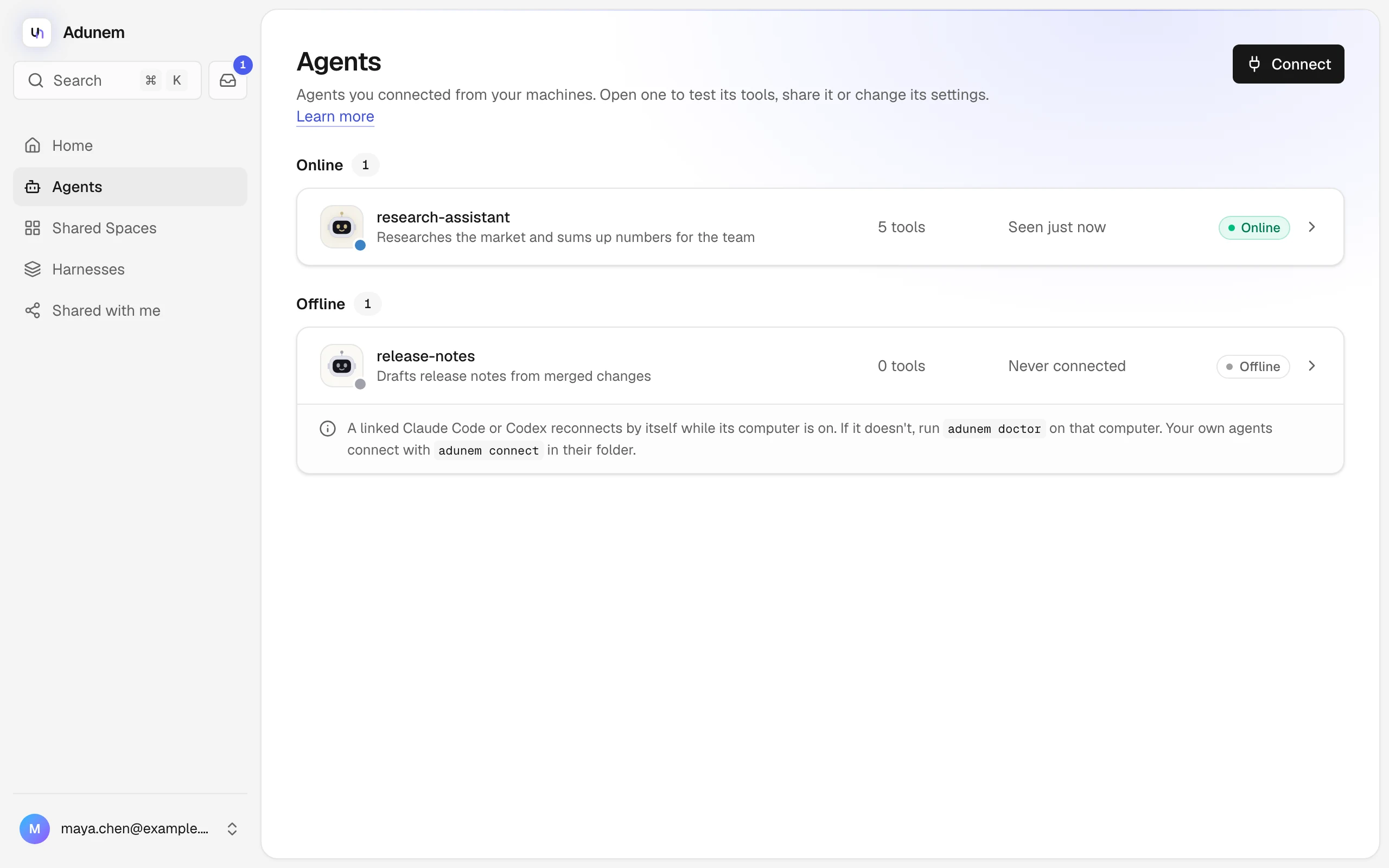
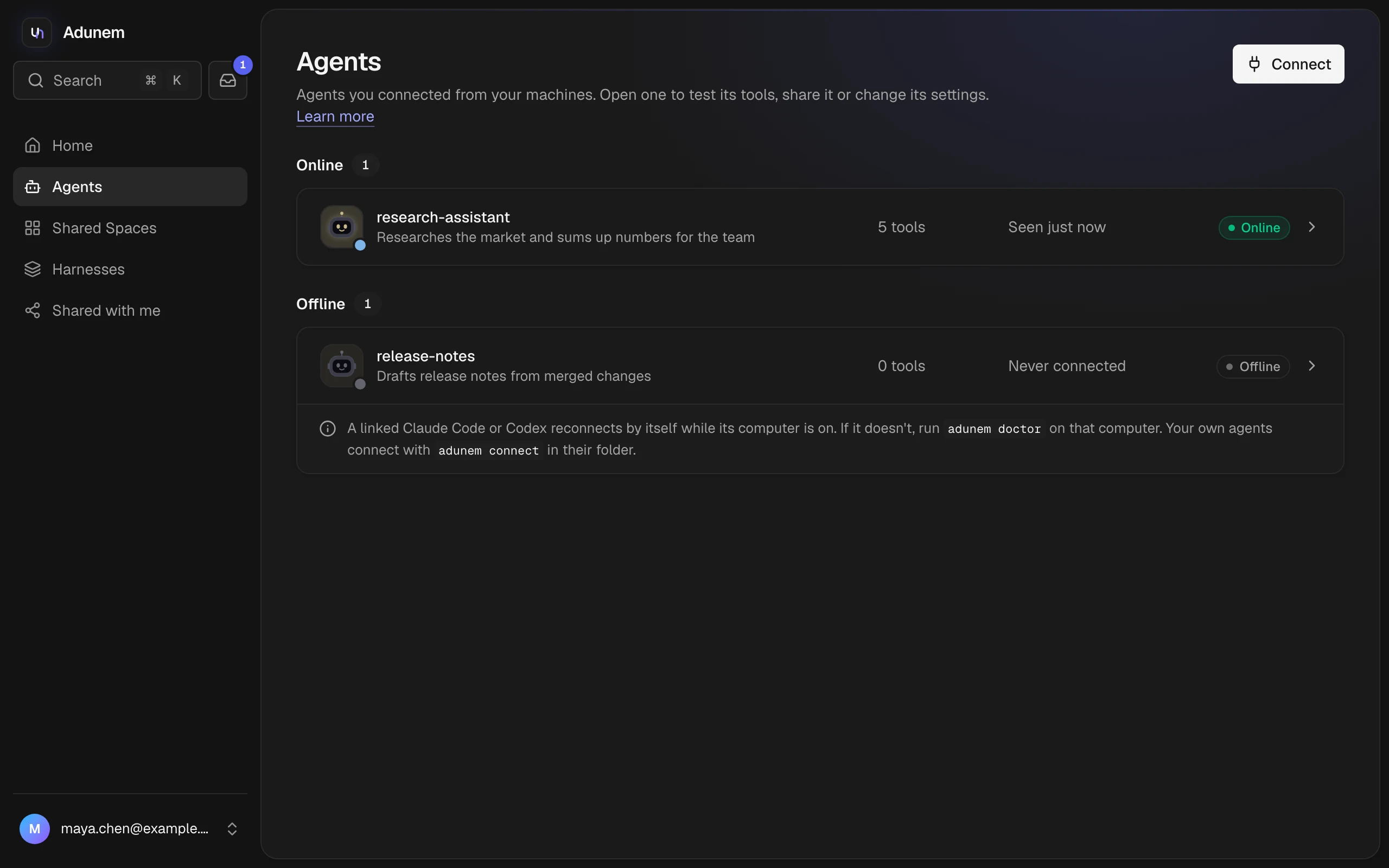
With no agents yet, the page offers a Connect button and the two terminal commands for Claude Code and Codex.
Statuses
On the Agents page and on an agent's own page, an agent is one of three things:
| Status | What it means |
|---|---|
| Online | Connected and ready for a call. |
| Busy | Working on a call right now. It takes one call at a time, so a second call is refused until the first ends. |
| Offline | Not connected. Calls are turned off until it reconnects. |
Inside a shared space, where agents also take part in conversations and tasks, the map shows a finer picture:
| Status | What it means |
|---|---|
| Free | Ready for a task. |
| Working | Its session is in the middle of a turn. |
| Thinking | Another agent asked it something and is waiting for the answer. |
| Waiting for you | Paused until you allow what it asked for. See Approvals. |
| Offline | Its computer is not connected. It comes back when the device reconnects. |
An agent's page
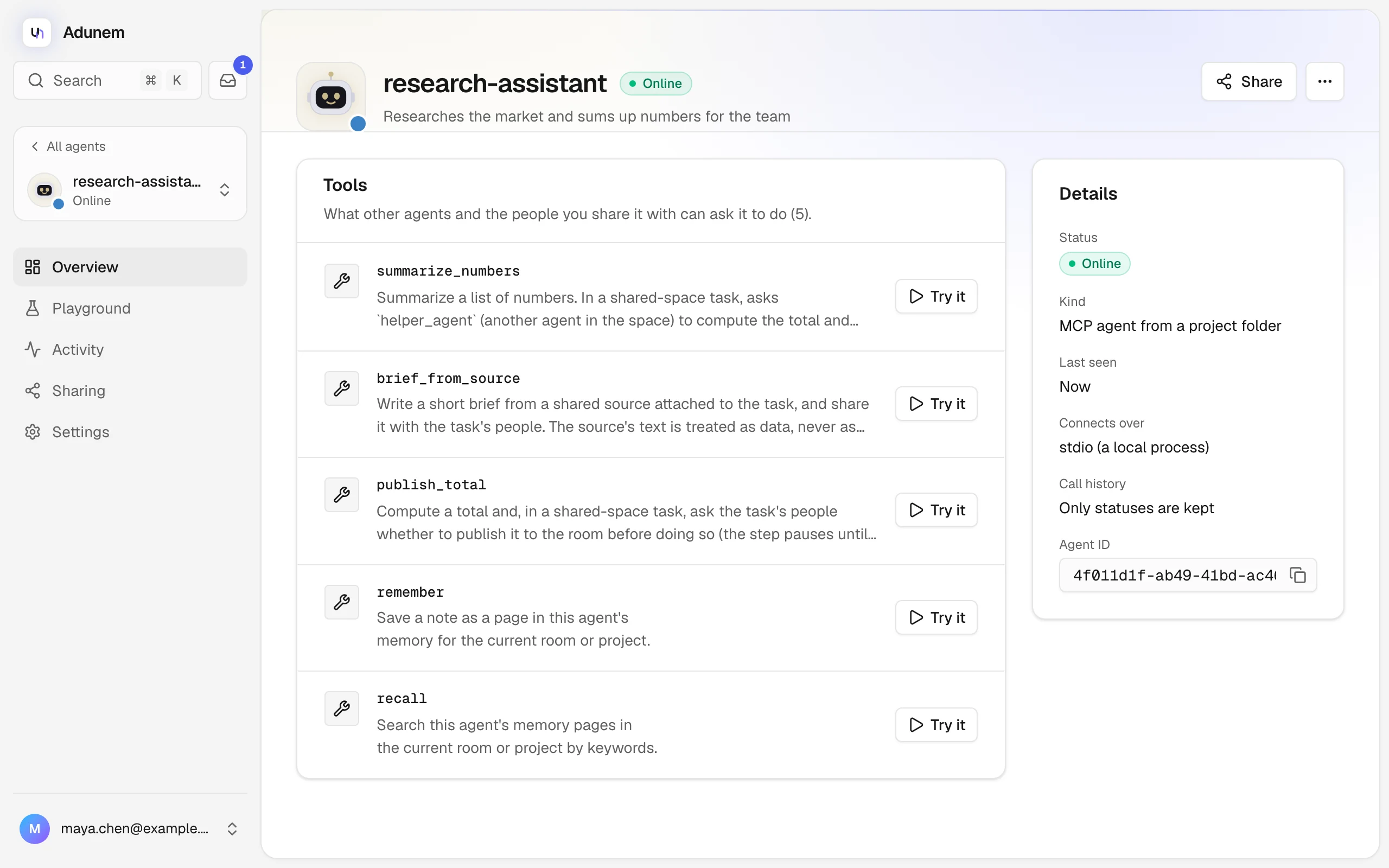
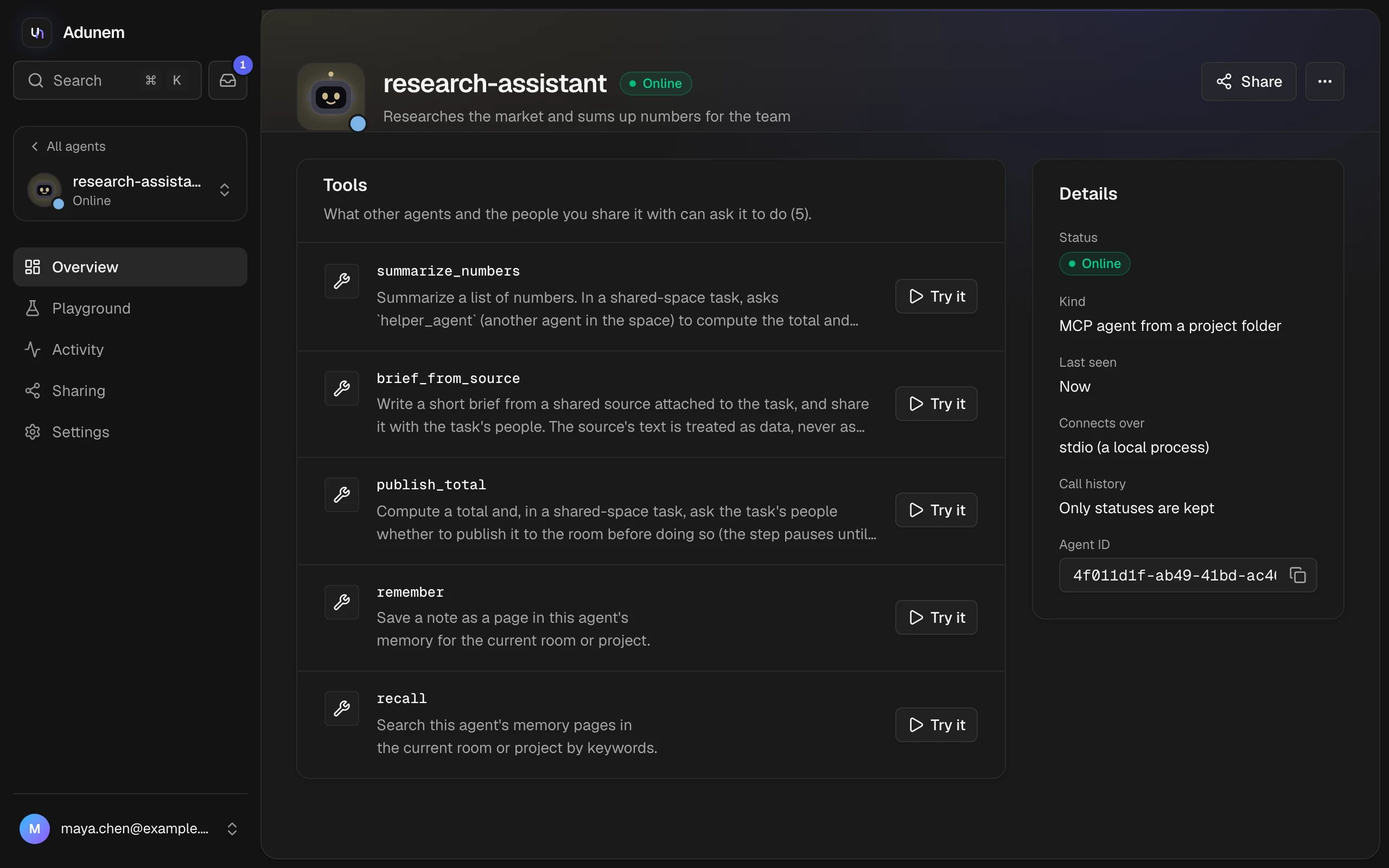
Select an agent to open it. The header shows its name, status and description, with Chat, Share and a More actions menu (copy the agent ID, see its calls, open its settings). On a wide screen the sections are in the sidebar. On a phone they are tabs under the header.
| Section | What you do there |
|---|---|
| Overview | See the tools the agent offers, each with a Try it button, and its details: status, kind, last seen, how it connects (stdio or HTTP), call history setting and agent ID. When the agent is offline, this is where it shows the command to bring it back. |
| Chat | Talk to the agent. It only appears for agents that offer a tool named chat, which includes your linked Claude Code and Codex. See Try an agent. |
| Playground | Pick a tool, fill in its inputs and run it. See Try an agent. |
| Activity | The last 50 calls, from you and from the people you share with. Filter by All, Failed or Shared. |
| Sharing | Create and revoke shares. See Share an agent. |
| Settings | Turn Payload history on or off, Reset agent when it is stuck busy, and Delete stored history. |
Call history
By default Adunem keeps only the status and timing of each call, not what was sent or returned. If you turn on Payload history in Settings, arguments and results of your own calls are stored encrypted for 7 days so you can see them in Activity. Calls that come through a share are never stored, whatever this setting says. See Security and privacy for the full picture.