

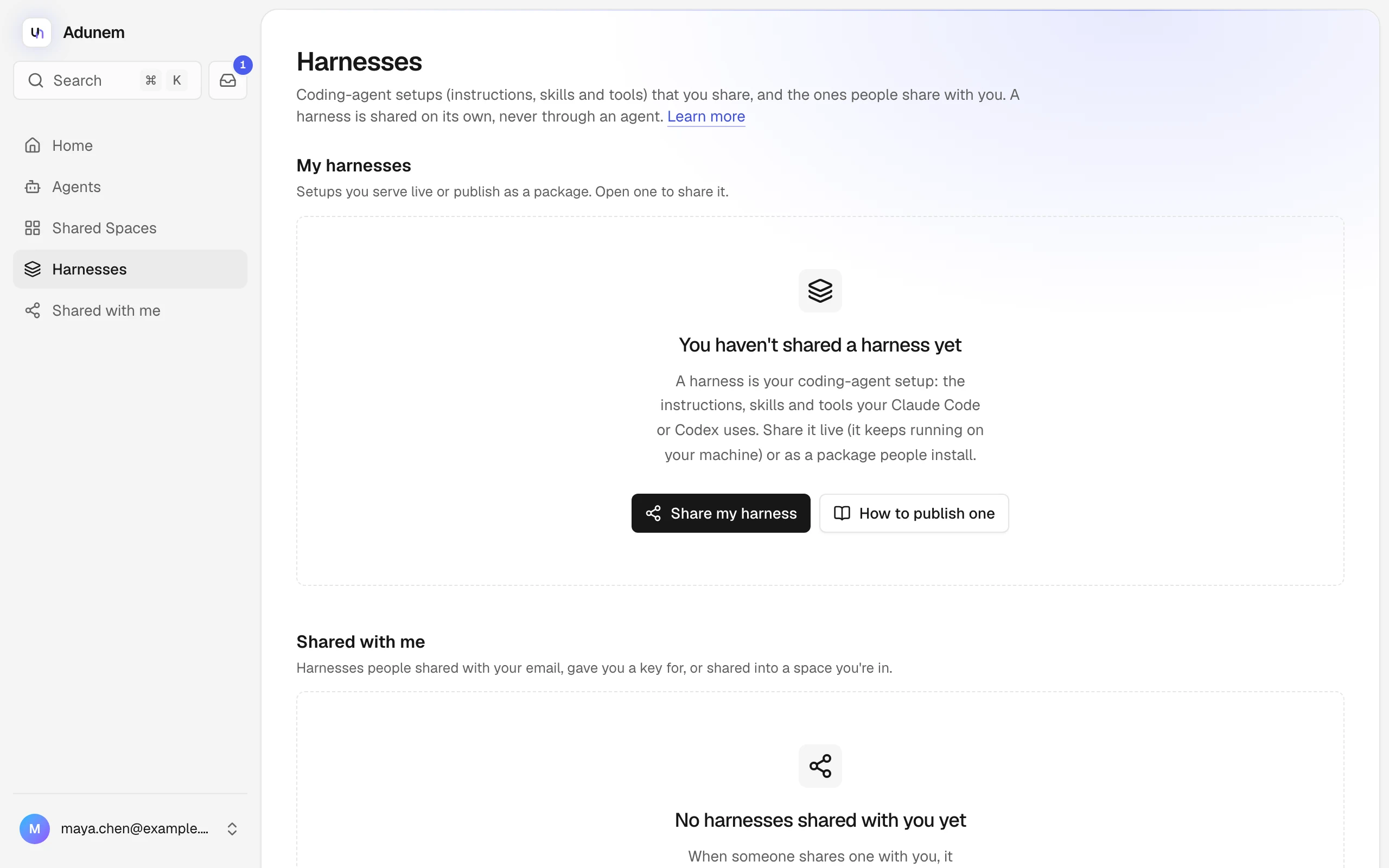
Harnesses
Share the setup that makes your Claude Code or Codex good at something, either live from your machine or as a package people install.
A harness is a coding-agent setup: the instructions (CLAUDE.md or AGENTS.md), the skills and the MCP tools that make your Claude Code or Codex good at a particular job. A harness is shared on its own, never through an agent, and it has its own keys and its own page, Harnesses. Each one is named handle/name, after its owner's handle.
Live or package
You choose how a harness is shared. The choice decides who can see what.
| Live | Package | |
|---|---|---|
| Where it runs | On your machine, while adunem harness serve is running | On the machine of each person who installs it, in their own Claude Code or Codex |
| Whose model | Yours | Theirs |
| What others get | Answers and the tool results you allow, not your files | A copy of every file in it |
| Best for | A private recipe or expertise you do not want to hand over | Team conventions, review kits, anything meant to be copied |
Anyone who can install a package can read every file in it. For a private recipe, serve it live with Claude Code. A live harness served with Claude Code has no file tools. Codex always has a shell, so a live harness served with Codex can still read files on your machine: Adunem warns you and asks first.
Create and share one
Start in the folder that holds your setup, after signing in with adunem login.
Describe it
adunem harness initThis writes adunem-harness.yaml from what the folder has: CLAUDE.md or AGENTS.md, skills, and the MCP servers in .mcp.json. It offers no MCP tool to others until you list it under tools. Check the file before you go on. For a live harness, list under ask_before any tool you want to approve each time: your serve terminal asks you.
Serve it, or publish it
adunem harness serveIt stays online until you press Ctrl-C. Add --client codex to serve it with Codex.
You can also use the Connect page: choose My harness, copy the command and run it in the harness folder. It serves the harness live with Claude Code and keeps it online from login on.
Share it
Open the harness from Harnesses and select Sharing. Under Share with, choose An email or A harness key.
- An email: it shows under Shared with me once they sign in with that address, and they get an email.
- A harness key: a key you send them yourself. Anyone who has it can add it.
Then set an optional Label, Expires in (days) (default 30), and for a live harness the Tools they may use, a Call limit (empty means no limit) and a Rate (calls/min). Select Share. A key is shown once: copy it now.
A live harness shows its tools for sharing only after it has been served once. Members of a shared space can also get a harness: the owner shares it into a space from the space's Harnesses page.
On the harness's own page, the sections are Overview, Sharing, Status (live) or Versions (package) and Activity. Sharing lists everyone it is shared with and lets you revoke a share. Activity shows every create, publish, share, revoke and call, with who did it and when. Payloads are never recorded.
Use a harness shared with you
Harnesses shared with you are under Shared with me on the Harnesses page, each with where it came from: an email, a key, or a space you are in. If you were sent a key, paste it under Got a harness key? (it starts with amhk_) and select Add to my list, or run adunem harness add.
Open it and use Try it to ask it a question. It answers from its owner's machine, with no model or API key of yours, and nothing you send is stored. From a terminal:
adunem harness list
adunem harness ask sara/review-kit "How would you review this change?"
To let it look at your project, lend a folder for that one call:
adunem harness ask sara/review-kit "Review my changes" --lend .Nothing runs on your machine. The harness can list, read and search files in the folder and propose edits, and every edit shows its diff and waits for your yes. Files outside the folder, files git ignores, .env files, keys and credentials, and .git are never sent, and the files it read are listed afterwards.
You can also open it in adunem chat (the Harnesses tab), in the browser extension, or from Claude Code and Codex through the harness_list, harness_ask and harness_call tools.
adunem harness remove <name> takes a harness off your list. It does not revoke anything: only the owner can.