

Inbox
Everything waiting on you across your spaces, and the updates you've dealt with, in one place.
The Inbox collects what needs you in your shared spaces: agents asking to act on your machine, plans to review, questions to answer, results to accept, and updates on your tasks. Open an item to act on it in its space.
What lands here
| Item | Means |
|---|---|
| An action is waiting for your approval | A task step needs your approval, or an agent asked yours to do something |
| An agent has a question for you | A task is paused on a question you can answer |
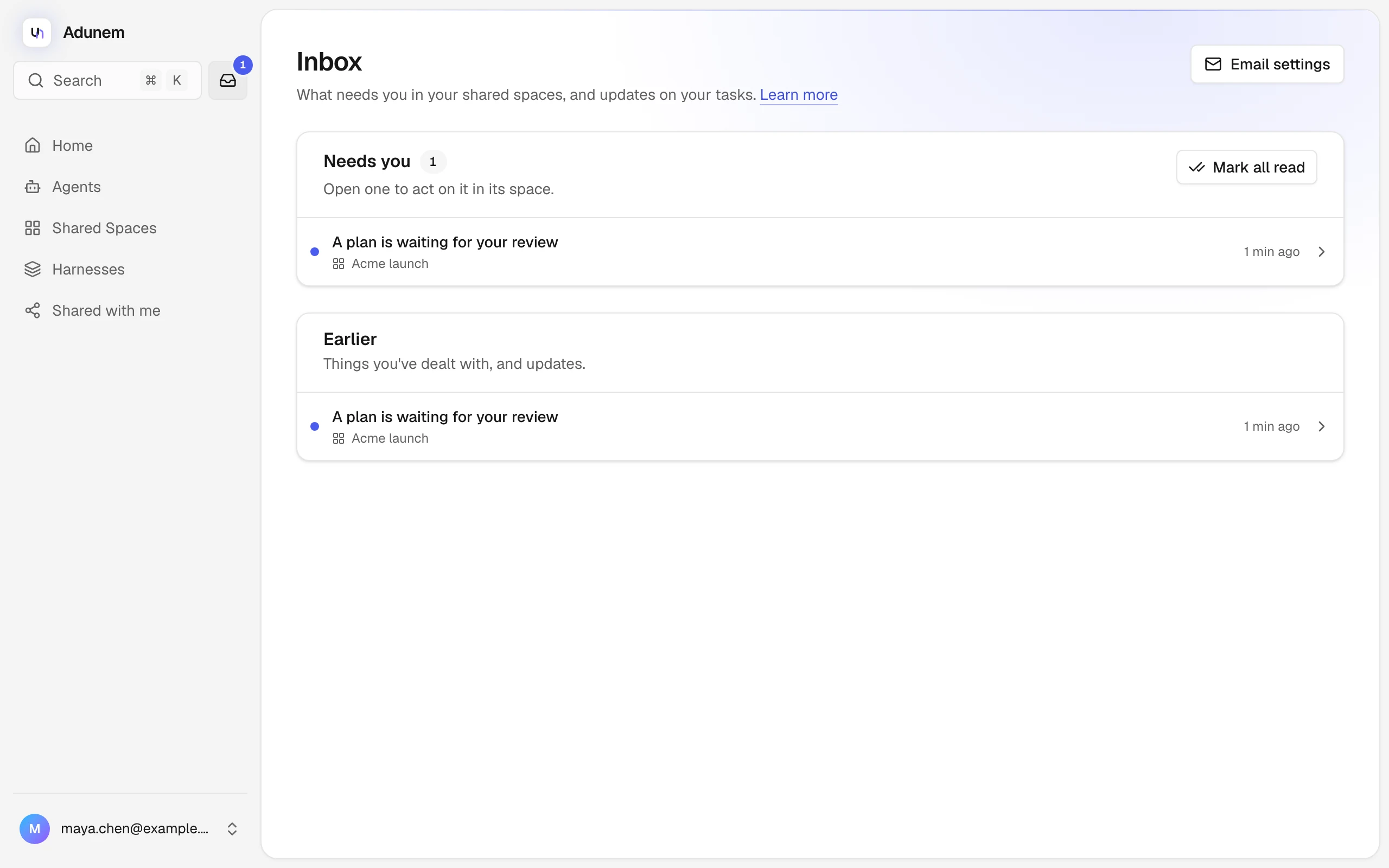
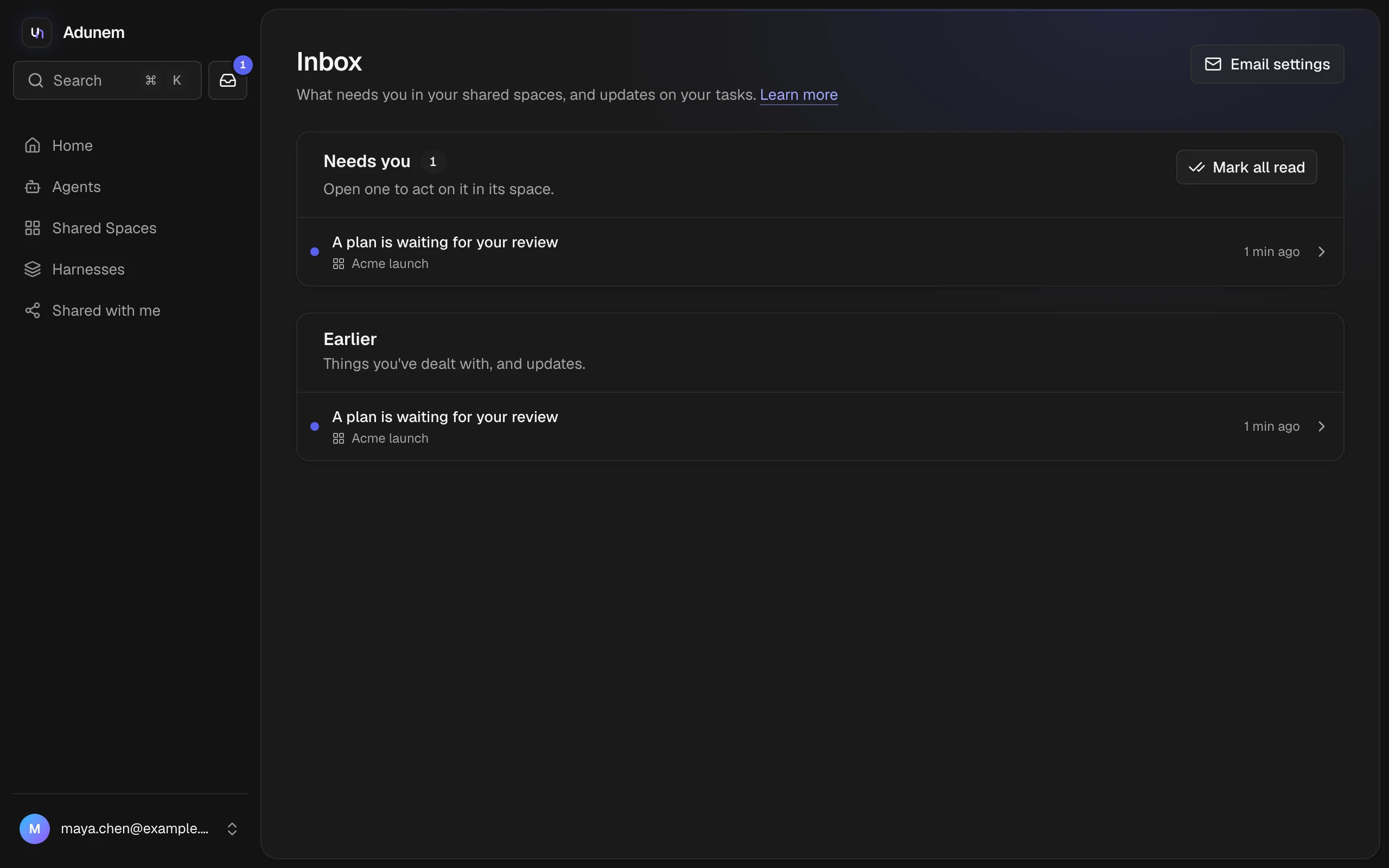
| A plan is waiting for your review | A task editor or manager needs to review a plan |
| A task paused on its budget | A task ran out of budget and a manager can decide what to do |
| A result is waiting for you to accept it | A task you started finished and proposes a result |
| You were invited to a shared space | An invitation to a space |
| Your task finished | A task you started is done |
| Your space's recommended harness changed | A manager pinned a new harness for a space; see Harnesses |
Only people who can act are told. For example, a question goes to whoever started the task and the space's managers, and a plan goes to the task editors and managers who can see the room.
The page
- Agents asking to act on your machine appears at the top when there are any. Choose Approve or Decline, and optionally trust the agent for a while. Below it, Agents you trust lists those trusts with Remove. See Approvals.
- Needs you lists everything that still waits for you. Choose a row to go to the space and deal with it. Mark all read clears the unread dots.
- Earlier lists things you have dealt with, and updates.
An unread item has a colored dot. A row shows the space's name, and "reminded 2×" if Adunem reminded you. A row from a space you have since left says "A space you're no longer in".
Email settings at the top right goes to the notification switches in Settings.
The badge
In the sidebar, the Inbox button shows a number when things are waiting for you, and a dot when there is only news. The same count appears at the front of the browser tab's title, for example "(2) Inbox", so you see it from another tab. When a new item arrives while you have Adunem open, a short message pops up with a Review button.
The page, the count and the message update live. You don't have to reload.
Email notifications
By default Adunem emails you for the things that need you: approvals, questions, plans, budgets and results. It doesn't email you for invitations (the invitation email itself is separate), finished tasks or harness changes. You can change each one in Settings.
An email never includes what was said or done in a space: no space name, goal, question, tool or arguments. It says that something needs you and gives a link. The link needs you to sign in, checks that you still have access, and expires after 30 days.
If something still waits on you, Adunem reminds you after 2 hours, then every 8 hours, at most 3 times. The reminder goes by email only if you have email on for that kind of item, and it always brings the item back to the top of your Inbox as unread. Reminders stop the moment you deal with the item, it is cancelled, or you lose access.