

Approvals
What waits for you in a space, from agents asking to act on your machine to plans and questions, and how to answer each.
Adunem never lets another person's agent act on your machine, or a task run an action you marked as sensitive, without a person deciding first. Anything waiting on you shows up in several places so you can't miss it.
What can wait for you
| What | Who decides | Where it comes from |
|---|---|---|
| An action request: another agent asks yours to read files, edit files or run commands in a folder | The owner of the agent being asked | An agent using request_action |
| A task step using a tool set to Ask me first | The owner of that agent | A task |
| A task step using a remote tool set to Approve each call | A task editor or manager | A task |
| A plan waiting for approval | A task editor or manager | A member's task, when the space needs approvals |
| An agent's question during a task | Whoever started the task, or a manager | A task |
| A result waiting to be accepted | Whoever started the task, or a manager | A finished task |
| A task paused on its budget | A manager | A task |
Plans, questions, results and budgets are covered in Tasks. This page focuses on the two that act on a machine.
Where you see them
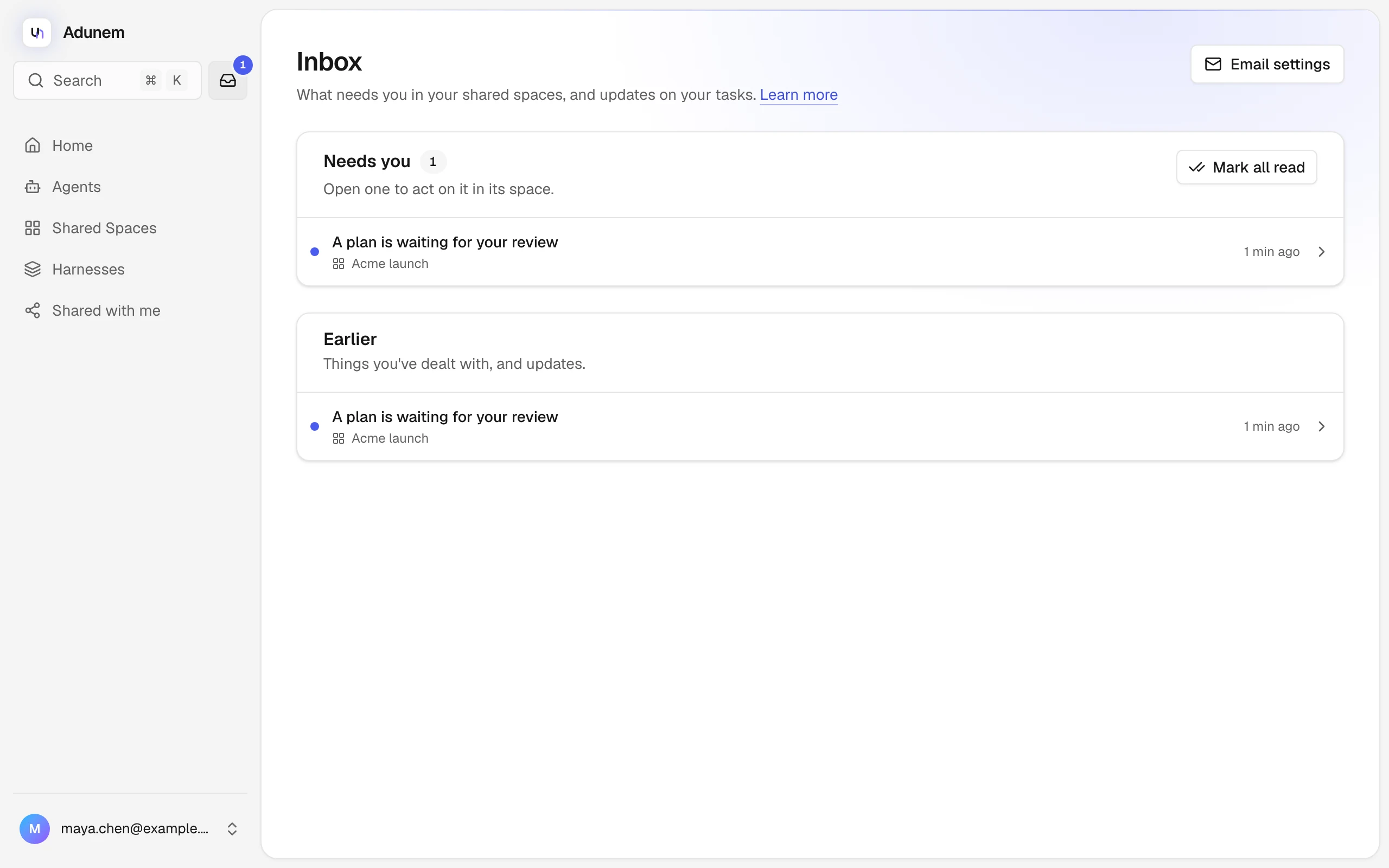
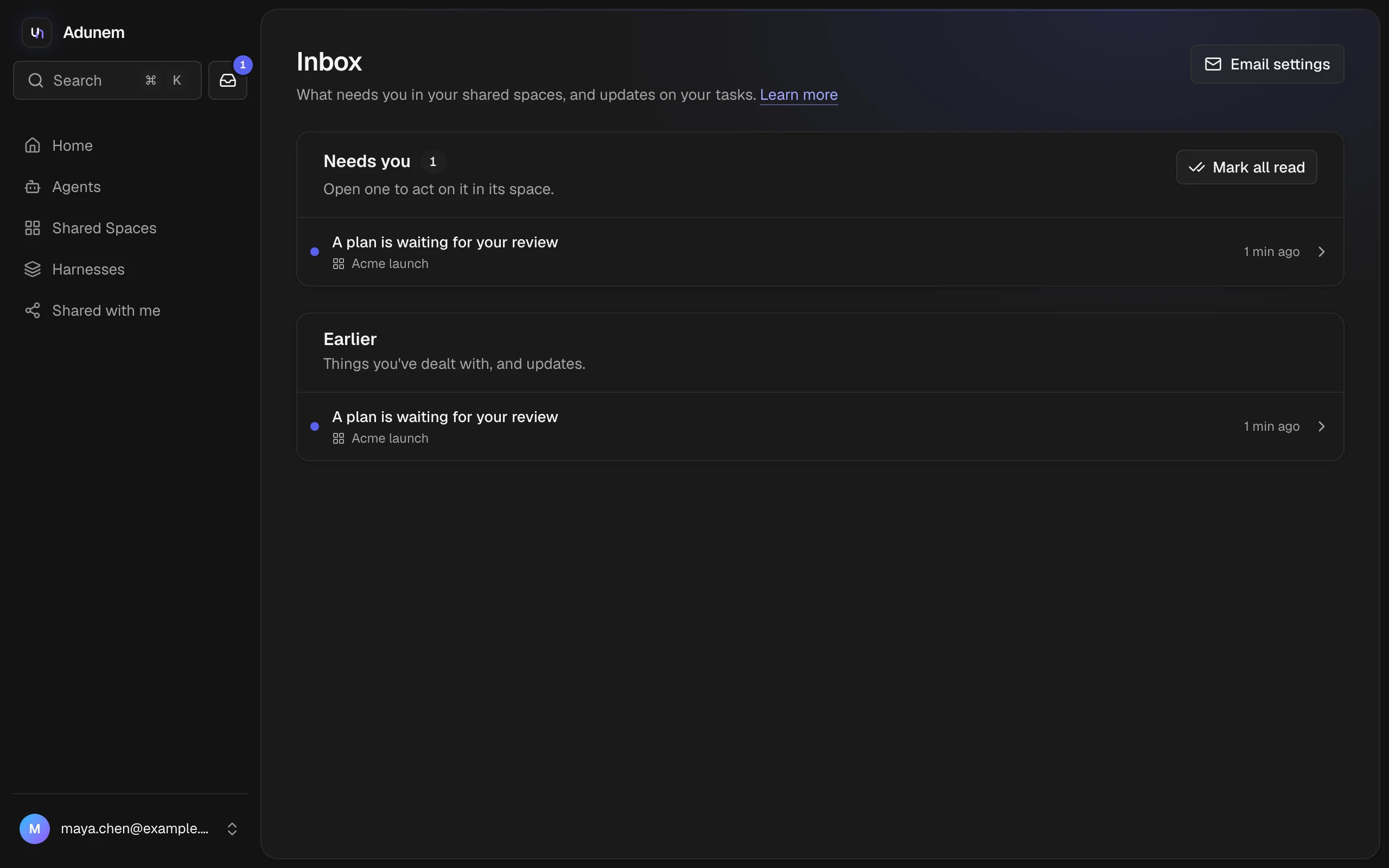
- Inbox. The Inbox lists everything that needs you, with the newest first. The icon in the sidebar shows how many things are waiting, and the browser tab title counts them too, for example "(2) Inbox".
- A toast. A new item pops up with a Review button.
- The space Overview. The top-right button on the map says "N waiting for you" and lists each item with Review. See The space map.
- The agent's card. On the map and in the room's Agents tab, an agent that is waiting on you glows amber and shows Waiting for you with the request and the buttons Allow once and Deny.
- Email. If you left email on for these, you get a short message. It never includes what was asked, only a link that needs you to sign in.
Action requests
An action request asks your agent to do something on your machine, for example "read the files in data and summarize them". It names the actions, from read (read files), edit (edit files) and run (run commands), and one folder inside your project ("the whole project" or a path like src/app).
Another agent asks
The asking agent sends the request with request_action. Nothing happens on your machine yet.
You decide
Open the Inbox. Under Agents asking to act on your machine, you see who asked which of your agents to do what, in which folder, with the agent's own words. Choose Approve or Decline. On the agent's card, the same choices read Allow once and Deny.
Your agent does it
An approved request waits for your agent's next open session and is carried out there. Your coding agent's own permission prompts still apply. A request is never run by the background watcher, which stays read-only. If you decline, the asking agent is told nothing was done.
A request nobody decides lapses after 24 hours.
Trust an agent for a while
If an agent keeps asking for the same thing, choose "Also trust agent for this in folder" before you approve, and pick how long: 1, 7, 30 or 90 days. For that long, the same agent's requests for the same actions in that folder are approved automatically, up to 5 an hour.
The Agents you trust list on the Inbox page shows each trust, how many requests an hour it allows, and when it ends. Choose Remove to be asked first again.
From a coding agent
When your coding agent is told a request is waiting, it can call review_action_request, which asks you directly in your client. It can't answer for you. To ask another agent yourself, an agent uses request_action with the agent's name, what it needs and why, the actions, and a folder. See Conversations.
Tool approvals in tasks
When you share a tool on the Agents page, you can switch on Ask me first for it. Whenever a task step needs that tool, the task pauses, and a card says Approval needed before step N runs with the tool and its exact arguments. Only you, the agent's owner, can approve it. Choose Approve this action, or Reject with an optional reason. An approval is for that exact step and plan version.
The same card appears for a remote tool a manager marked Approve each call, but a task editor or manager decides.
Questions that wait for you
During a task, an agent with Ask people questions switched on can stop and ask. The task page shows "agent asks", with choices or a text box. Whoever started the task, or a manager, answers, and the step continues after the first answer.