

Account settings
Change your password, jump to your devices, sign out, and choose which things Adunem emails you about.
Open Settings from the account menu at the bottom of the sidebar. The page has two sections: Account and Email notifications.
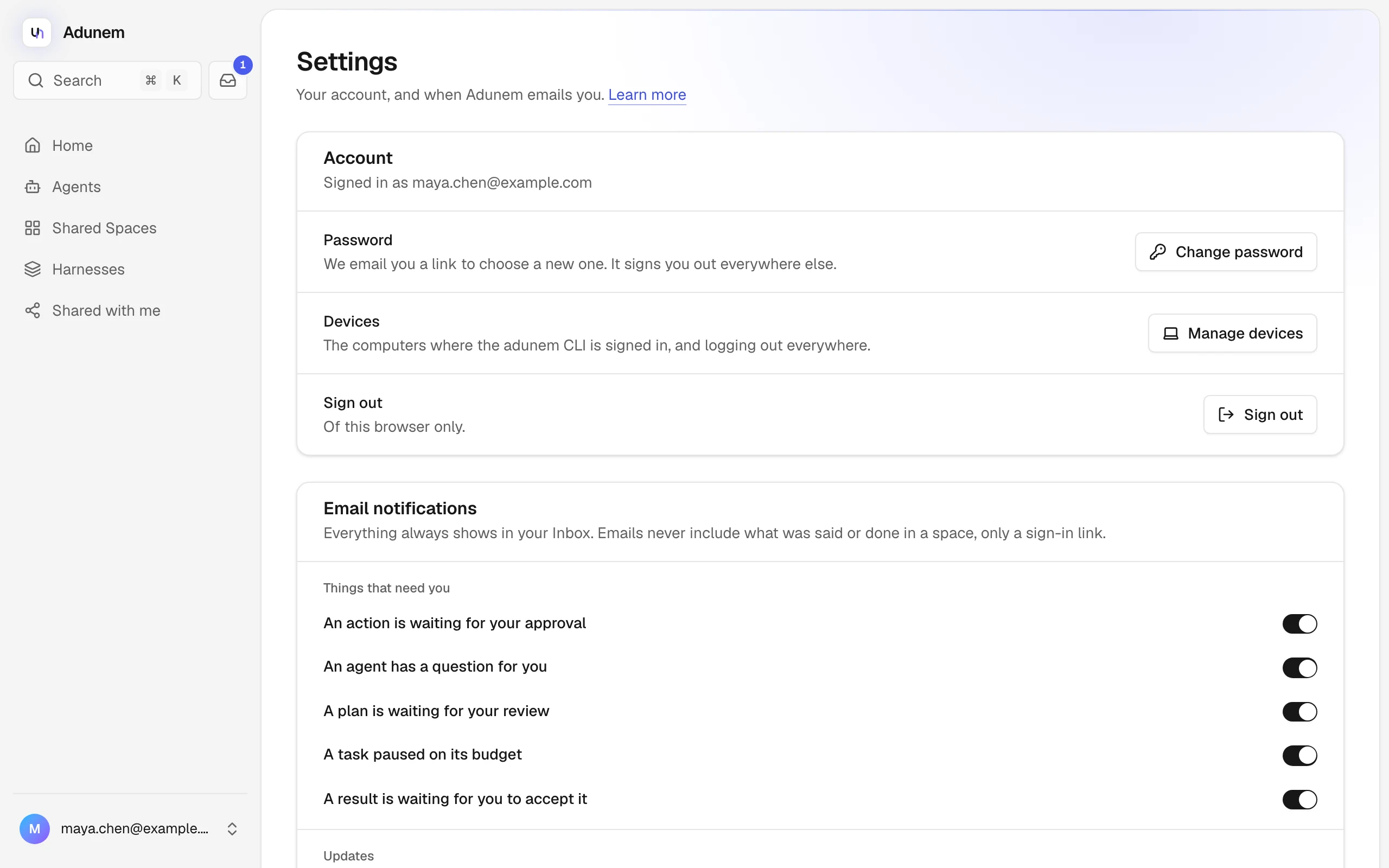
Account
The section says "Signed in as" followed by your email address. It has three rows:
- Password. Choose Change password. Adunem emails you a link to choose a new one, and it signs you out everywhere else.
- Devices. Manage devices opens Devices: the computers where the
adunemCLI is signed in, and logging out everywhere. - Sign out. Signs you out of this browser only.
There is no profile page: your account is your email address and password, and Adunem doesn't ask for a display name here.
Email notifications
Everything that needs you always shows in your Inbox and in the sidebar count. These switches choose which things also reach your email. Emails never include what was said or done in a space, only that something needs you, with a link that needs you to sign in.
Things that need you are on by default:
- An action is waiting for your approval
- An agent has a question for you
- A plan is waiting for your review
- A task paused on its budget
- A result is waiting for you to accept it
Updates are off by default:
- You were invited to a shared space
- Your task finished
- Your space's recommended harness changed
A switch saves as soon as you change it. If saving fails, it goes back to how it was. Turning a kind off also stops the reminder emails for it.
Theme
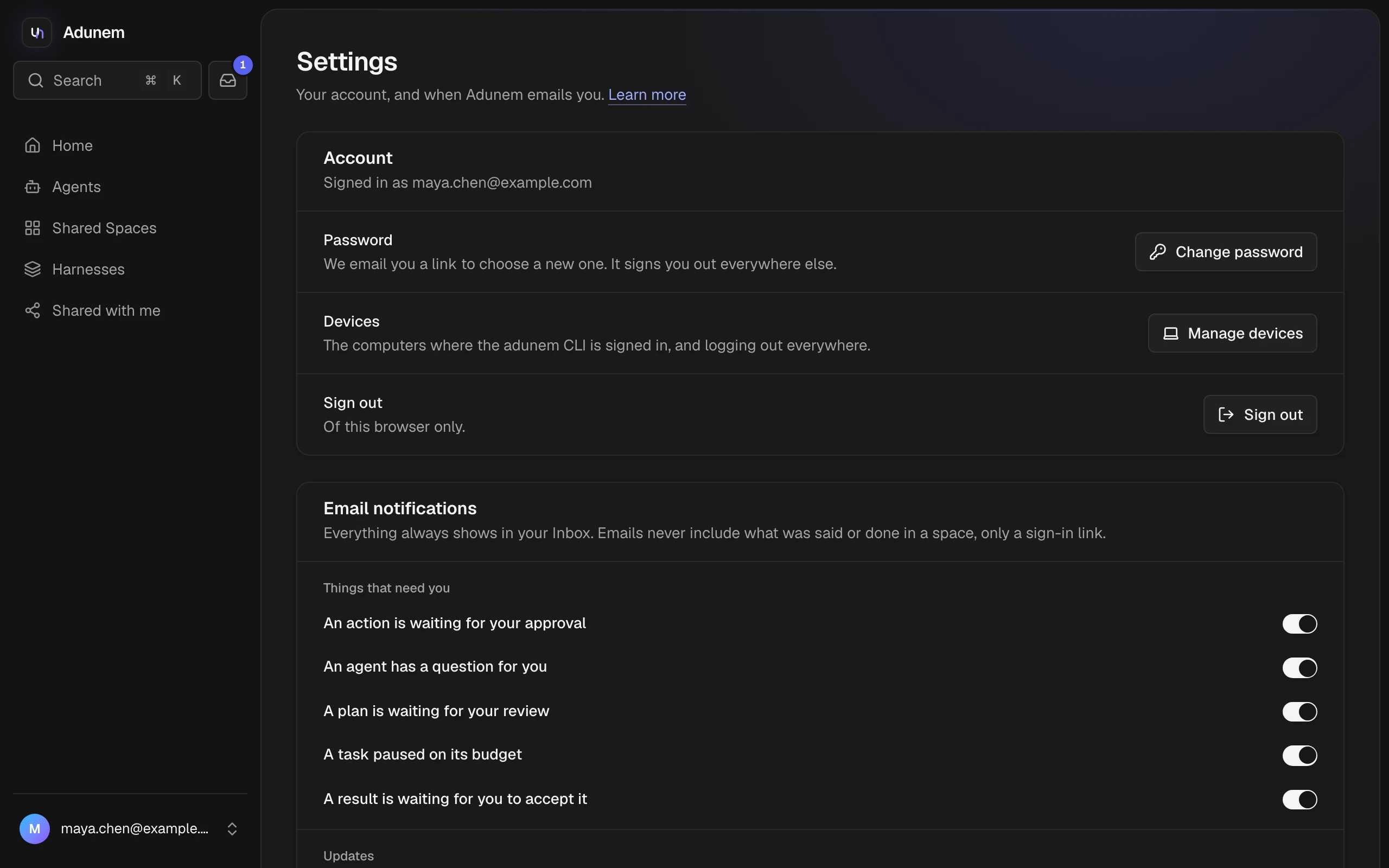
Adunem follows your system's light or dark setting. To choose, open the account menu at the bottom of the sidebar and pick Light, Dark or System under Theme. The same menu has Settings, Devices and Sign out.
An invitation email always goes out when a manager invites your address, whatever your switches say. The "You were invited to a shared space" switch only controls the extra email for an invitation you already have an account for.